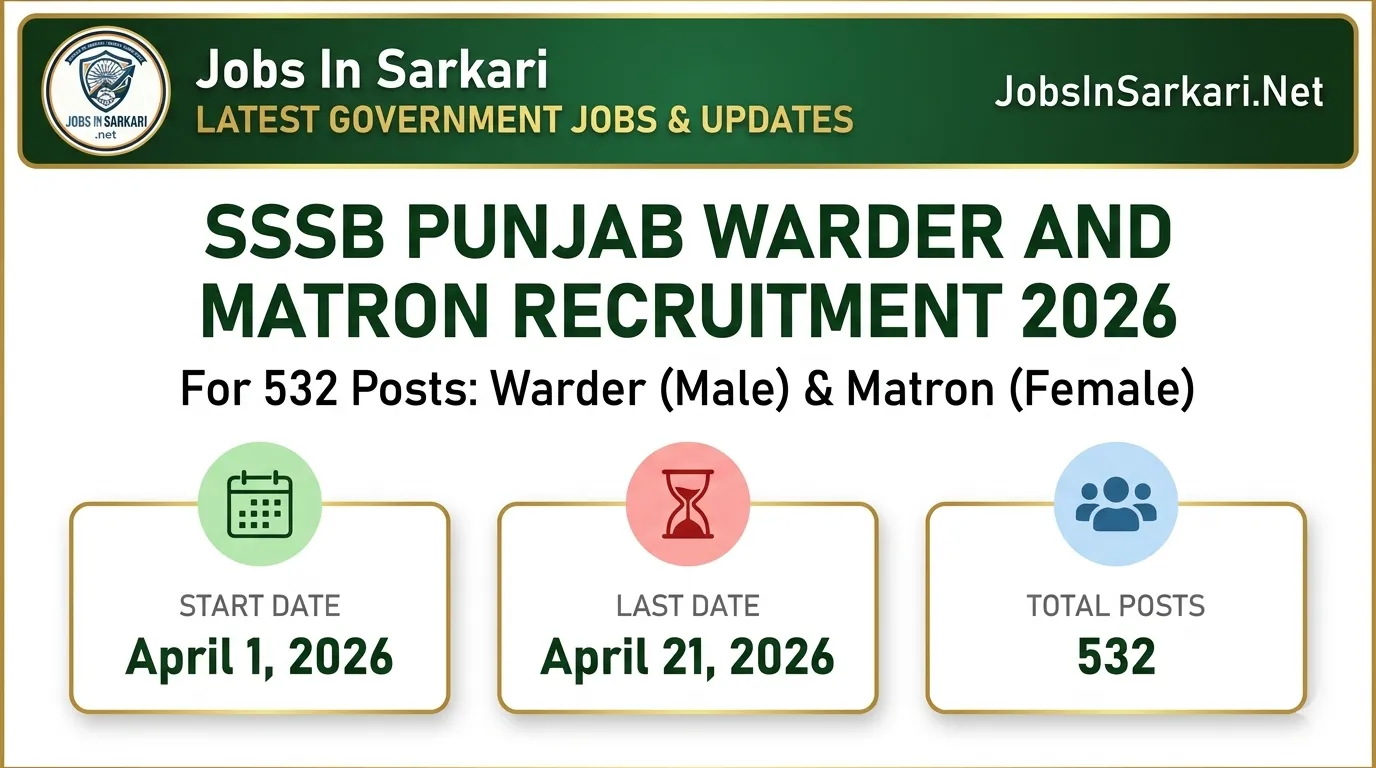
SSSB Punjab Warder and Matron Recruitment 2026 notification is out for a total of 532 vacancies. The Subordinate Services Selection Board, Punjab is inviting online applications for Warder (Male) and Matron (Female) posts starting from April 1, 2026. Candidates who have completed their 10+2 and have studied Punjabi up to the matriculation level can easily apply. You can complete your registration on the official portal at sssb.punjab.gov.in before April 21, 2026.
SSSB Punjab Warder and Matron Recruitment 2026 Overview
Criteria
Details
Organization
Subordinate Services Selection Board, Punjab
Post Name
Warder and Matron
Total Vacancies
532
Advt No.
08 of 2026
Official Website
sssb.punjab.gov.in
SSSB Punjab Warder and Matron Recruitment 2026 Important Dates
Event
Date
Notification Release Date
28-03-2026
Application Start Date
01-04-2026
Last Date For Registration & Fee
21-04-2026
Admit Card Release Date
To be updated on sssb.punjab.gov.in
Exam Date
To be announced
Application Fee
Category
Amount
General / Sports / Freedom Fighter
Rs. 1000/-
SC / BC / EWS
Rs. 250/-
Ex-Servicemen & Dependent
Rs. 200/-
Payment Mode
Online
Age Limit Details
Criteria
Limit (As of 01-01-2026)
Minimum Age
18 Years
Maximum Age (General)
27 Years
Age Relaxation
SC/BC (Punjab): Max 32 years. Govt Employees: Max 45 years
SSSB Punjab Warder and Matron Vacancy Details
Post Name
Total Posts
Warder (Only for Males)
475 Posts (Advt 08 of 2026)
Matron (Only for Females)
57 Posts (Advt 08 of 2026)
Total Vacancies
532 Posts
SSSB Punjab Warder and Matron Eligibility Details
Qualification/Standard
Requirement
Education Qualification
10+2 or equivalent examination
Language Requirement
Passed Matriculation with Punjabi as a compulsory/elective subject
Physical Standards (Warder)
Min Height: 5’7″ (5’4.5″ for Dogras/Gurkhas), Chest: 33″ unexpanded to 34.5″ expanded
Physical Standards (Matron)
Min Height: 5’3″, Weight: 50 Kg and above
Category-Wise Vacancy Details
Category
Vacancies
Warder (General / SC / BC)
Gen: 203, SC(M&B): 48, SC(R&O): 48, BC: 48
Warder (EWS / Ex-SM / Sports / FF)
EWS: 47, Ex-SM (Gen): 34, FF: 5
Matron (General / SC / BC)
Gen: 26, SC(M&B): 6, SC(R&O): 5, BC: 5
Matron (EWS / Ex-SM / Sports)
EWS: 5, Ex-SM (Gen): 4
State-Wise Vacancy Details
State Criteria
Details
Job Location
Punjab
Who Can Apply
All India candidates can apply provided they meet the 10th-level Punjabi language requirement. Reservation benefits are strictly limited to Punjab state residents holding a valid domicile certificate.
Important Documents Required
Document Type
Details
Identification & Visuals
Passport size photo (or live capture) and scanned signature
Educational Proof
10th Class Certificate (for Punjabi subject proof) and 12th Class marksheet
Residence/Caste Proof
Domicile/Residence Certificate (not older than 5 years) and Category Certificate if applicable
Syllabus Overview & Exam Pattern
Subject/Test
Details
Exam Format
Objective Type Multiple Choice Questions (MCQs)
Part-A (Qualifying)
10th Level Punjabi Language. Must score at least 50%
Part-B (Merit)
The main paper decides merit. Negative marking applies: 1/4th marks deducted for wrong answers
Selection Process
Stage
Process
Phase 1
Written Examination (Part A and Part B)
Phase 2
Physical Measurement Test (PMT) & Physical Efficiency Test (PET)
Phase 3
Document Verification / Counseling for qualified candidates
SSSB Punjab Warder and Matron Recruitment 2026 Salary Details
Criteria
Amount
Post Name
Warder / Matron
Pay Level
7th Central Pay Scale (Level-2)
Monthly Salary
Rs. 19900 – 63200/-
How to Apply
Steps
Instructions
Step 1
Visit the official website at sssb.punjab.gov.in.
Step 2
Click on the “Apply Online” link available on the homepage between April 1 and April 21, 2026.
Step 3
Click on “Registration” to generate your User ID (Email ID) and Password.
Step 4
Login and carefully fill out your personal, educational, and category details.
Step 5
Upload your passport size photo, signature, and scan all required certificates into a single PDF file to upload.
Step 6
Pay the application fee online using the “Make Payment” option.
Step 7
Click “Submit” to finalize and print out the application form for your records.